Streamline TMDB Integration on WordPress
Building a comprehensive movie or TV database with TMDB WordPress integration often results in a massive technical headache. Most creators find themselves trapped between generic bloated themes or older plugins and scripts that not have maintenance anymore.
The goal isn’t just to “build a site,” but to deploy a professional architecture that works without the usual friction. INGMAR Theme and MEDIAFY Plugin provides a specialized tool that handles the complex cinematographic data logistics, letting you focus on the project instead of the technical debt.
You just need this right architecture and our professional assistance to turn WordPress into a high-performance database machine.
The logic behind TMDB WordPress integration
The value of a professional engine like INGMAR or MEDIAFY lies in how it eliminates the “pain points” of data ingestion. By utilizing native API calls instead of unstable workarounds, you ensure a stable and scalable environment.
Instead of wasting hours copy-pasting posters and cast metadata, you connect directly to The Movie Database.
The INGMAR Theme acts as the bridge, getting:
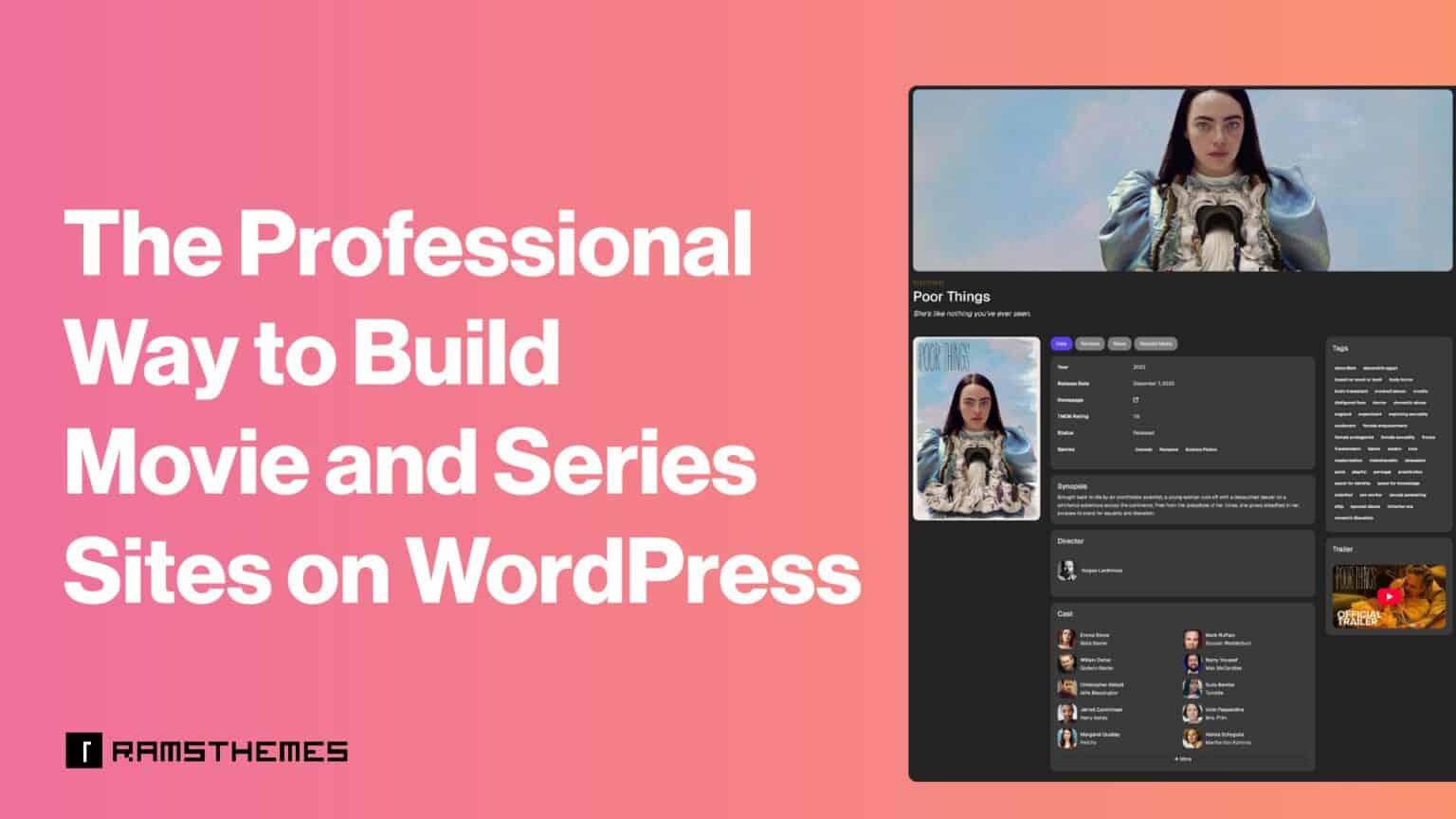
- Current Metadata: title, summary, release dates, runtimes, etc
- Visual Assets: poster, backdrop banner, trailer.
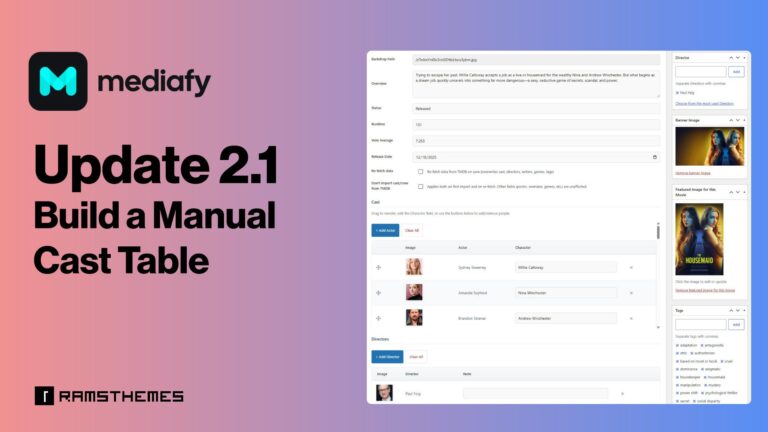
- Credits: full cast and director lists without manual entry. Saves automatically as taxonomy terms with his Name, Bio and Thumbnail, and Characters played as texts on respective movies or series.
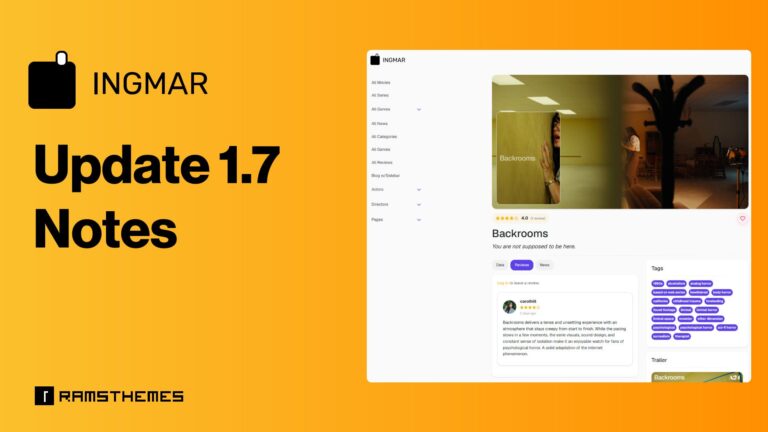
- Frontend: theme’s appearance is similar to that of an app, giving its presentation a modern and elegant touch.
Requirements for your custom media database
To build a ready to use Movie Database and Magazine site you need dedicated tools.
WordPress: A clean installation.
INGMAR Theme: Our specialized solution with a built-in TMDB engine.
TMDB API Key: Your free ticket to the largest movie database.
Learn about the API behavior here 👈
Learn how to obtain it here 👇
Step 1: Core setup
Install WordPress and set your permalinks to “Post name.” This is basic but essential for the structured data that INGMAR will generate.
Step 2: Activating the INGMAR Theme
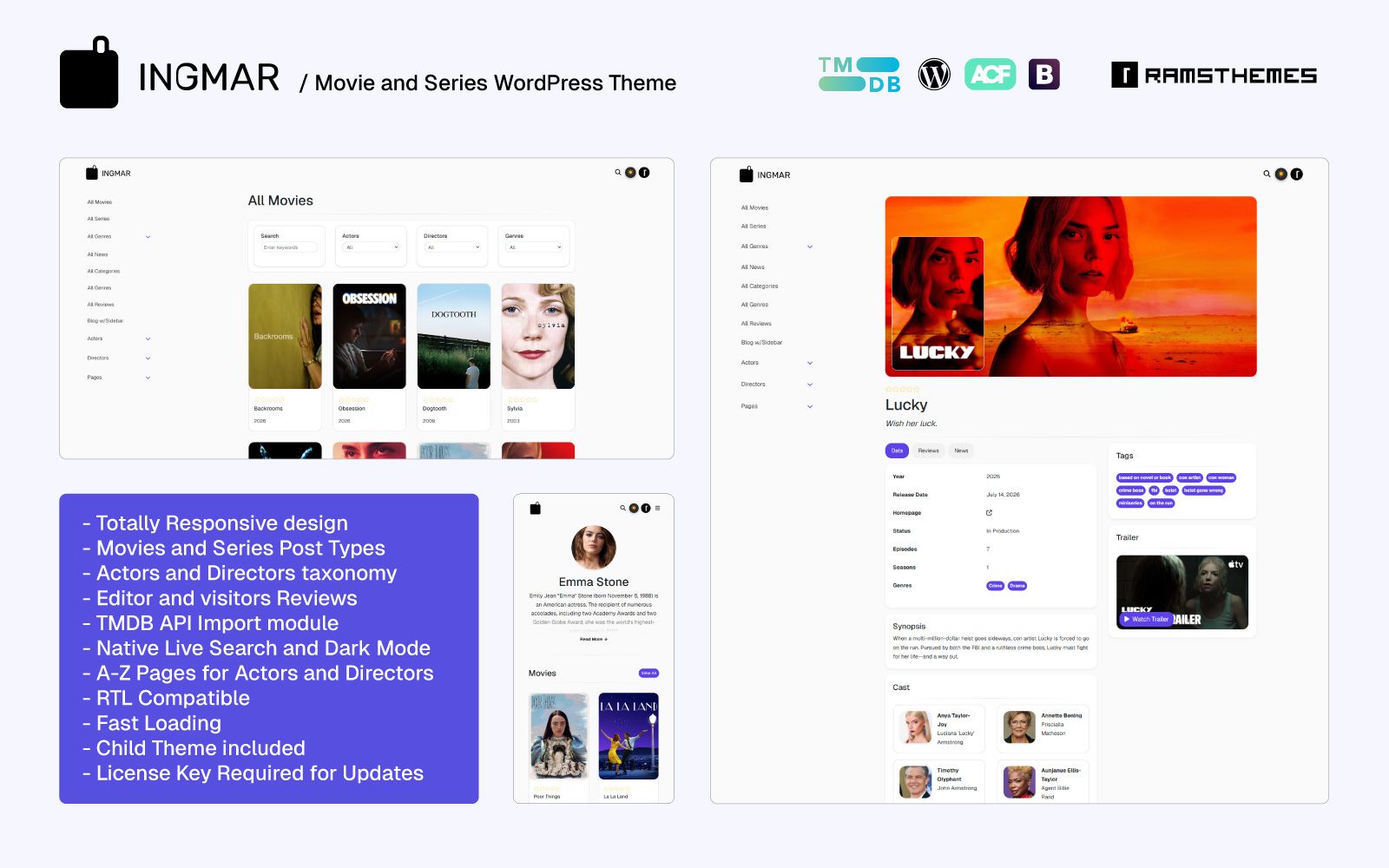
Upload zip theme file or import the ready to use demo. We offer free installation if you require it.
Once you activate Ingmar Theme, you aren’t just changing the “look” of your site. You are adding a database layer. This is why it’s the best way to launch a site without coding knowledge—the functionality is coded into the theme’s core, ensuring speed and reliability.
Step 3: Instant data import
Go to the Theme Settings, paste your generated TMDB API key, and you’re live. You can now search for any movie or tv show and import it in seconds. The system creates the post type, assigns the taxonomies, create the cast tables and downloads the images automatically.
Scaling with Mediafy Plugin

While Ingmar is a complete “all-in-one” solution, some developers prefer a “canvas” approach. If you are using Elementor or blank themes like GeneratePress, the Mediafy Plugin is the better choice. It brings the same heavy-duty import logic to any environment, allowing for more custom workflows.
Conclusion
The gap between a hobbyist site and a professional database is the quality of its architecture. By choosing Ingmar Theme or Mediafy Plugin, you move away from manual management and toward a scalable, API-driven strategy. You can focus on growing your project while the theme or plugin handles the technical heavy lifting.
Note: INGMAR and MEDIAFY uses TMDB and the TMDB APIs but is not endorsed, certified, or otherwise approved by TMDB.