Animace 1.7 is a major update focused on better data management, fewer plugin dependencies, and more powerful built-in functionality.
This release introduces a completely new AniList resync system for anime, movies, series, manga, novels, actors, staff, and characters. It also replaces several third-party dependencies with native Animace systems for user accounts, reviews, and wishlists.
On top of that, the update adds new filtering tools, account features, dashboard widgets, and numerous template and code improvements.
Here’s everything new in the best Anime WordPress Theme.
New AniList Resync System
One of the biggest additions in Animace 1.7 is the new AniList Resync system.
Instead of importing a title again just because some information has changed, you can now selectively refetch the data you need.
The system works directly from the edit screen of supported post types:
- Movies
- Series
- Manga
- Novels
Three Independent Refetch Options

Each post now has three resync options:
Data: Refetch the main AniList information for the title.
Poster & Banner: Refresh the title’s poster and banner images.
Actors & Characters: Refetch the associated actors and character information.
You can select exactly what you want to update instead of performing a complete reimport.
A visual loader is displayed while the operation is running, followed by a clear success or error notification when it finishes.
People Resync
Animace 1.7 also introduces a dedicated People Resync system for keeping your people database up to date.
The new admin page allows you to perform bulk refetches by taxonomy:
- Actors
- Staff
- Characters
Instead of opening every term individually, you can process an entire taxonomy in batches.
The system also includes AniList rate-limit handling, making large synchronization operations safer and more reliable.

The People Resync system is designed to keep your database synchronized with AniList when you want.
When AniList provides updated information or imagery, the tool takes priority even when the existing image was uploaded manually.
This means the resync process doesn’t simply assume that an existing image should remain untouched. If AniList has newer information, the database can be brought back in line with the source.
Refetch Individual Actors, Staff & Characters
When Bulk synchronization isn’t always necessary, now every individual Actor, Staff member, and Character now has access to the same resync engine directly from its taxonomy edit screen.

Open the term, run the refetch, and Animace retrieves the latest available information from AniList.
The individual refetch and bulk People Resync systems use the same underlying engine, keeping the results consistent regardless of how the update is performed.
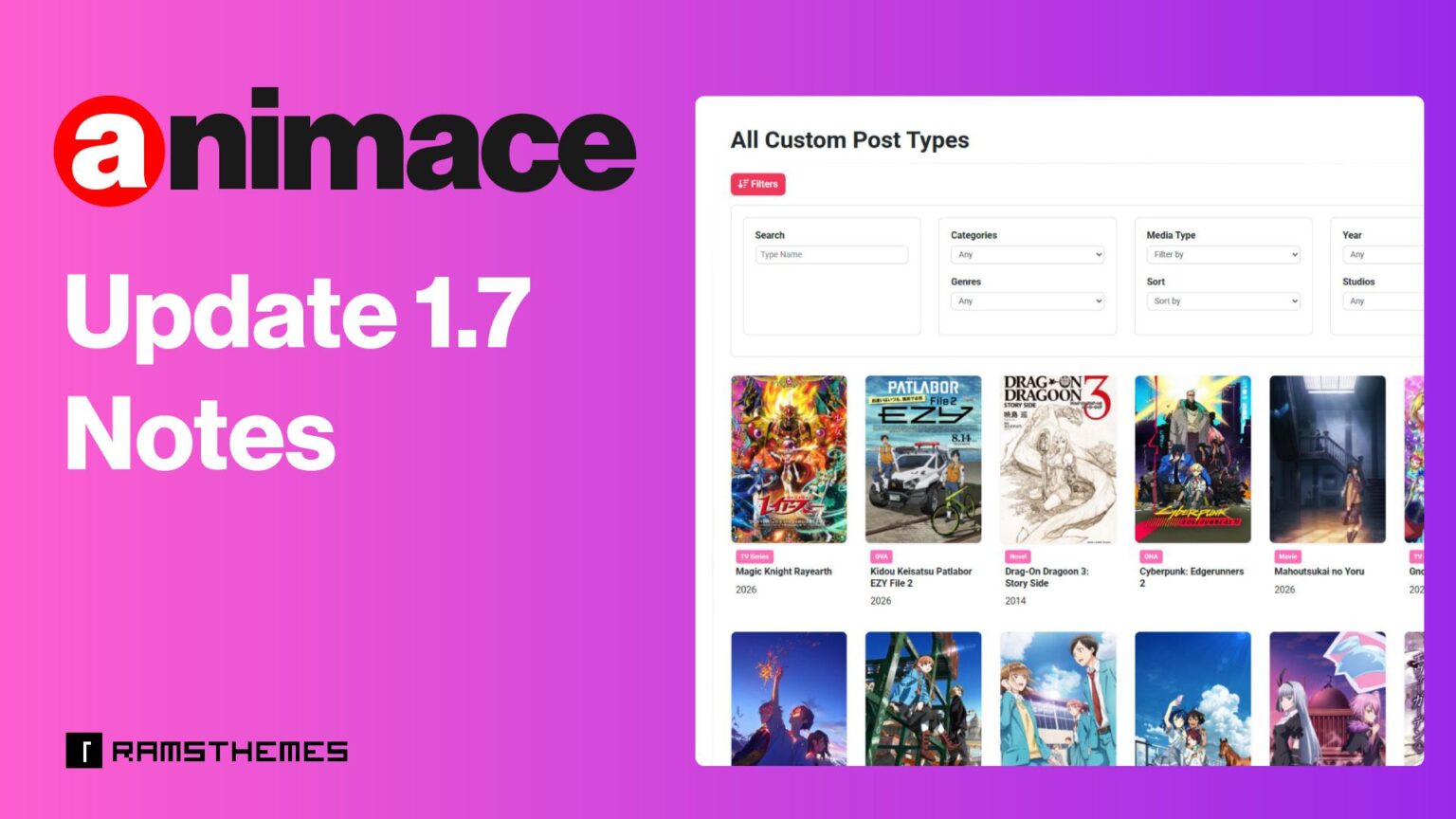
New Top Filter Sidebars
Animace 1.7 adds Top Filter Sidebars for archive Templates.
This gives you a new way to create advanced filtering interfaces for the pre-designed archive templates, instead of use hardcoded facets.

The system is designed to make complex filtering easier to configure directly from WordPress.
New Facet Widget
To complement the new Top Filter Sidebars, Animace now includes a dedicated Facet Widget.

You can drag your available facets into the widget and use them to build your columned filter interface on top sidebars without having to manually construct the entire system.
New Account Features
The account system has also received a major upgrade.
Animace now includes a new Account System Settings page, giving administrators more control over the built-in account functionality.
There’s no need to get bogged down with plugins to manage user accounts. You can use the new system’s shortcodes to create your own Registration, Login, My Account, and other pages. Learn how and where to use the shortcodes in this other article.
The frontend My Account area now includes sections:
- My Profile
- My Reviews
- My Comments
- My Wishlist
Native Reviews
Users can easily access the reviews they have submitted and the comments they have posted directly from their account.
For site admins, a new Recent Reviews Dashboard Widget has been added to the WordPress Dashboard.
Administrators can now see the latest user reviews directly from the main WordPress dashboard, making it easier to monitor and preview recent reviews activity.
Built-In Wishlist System
Wishlist functionality is now part of the theme itself, eliminating the need for another plugin to provide this functionality.
Users can save content to their wishlist directly through the Animace interface using the “Heart icon”, providing a more integrated experience for anime and entertainment database websites.

A More Powerful Animace
Animace 1.7 is more than a collection of small improvements.
The update makes Animace more independent from third-party plugins while significantly improving how existing content can be maintained and synchronized with AniList.
With native accounts, reviews, comments and wishlist functionality combined with advanced API resync tools, Animace gives site owners much more control over both their users and their content database.
Whether you need to update one anime, refresh a single character, synchronize an entire actor taxonomy, or build a more advanced filtering interface, Animace provides dedicated tools to handle it directly from WordPress.
Update to Animace 1.7 and take full control of your AniList-powered database.