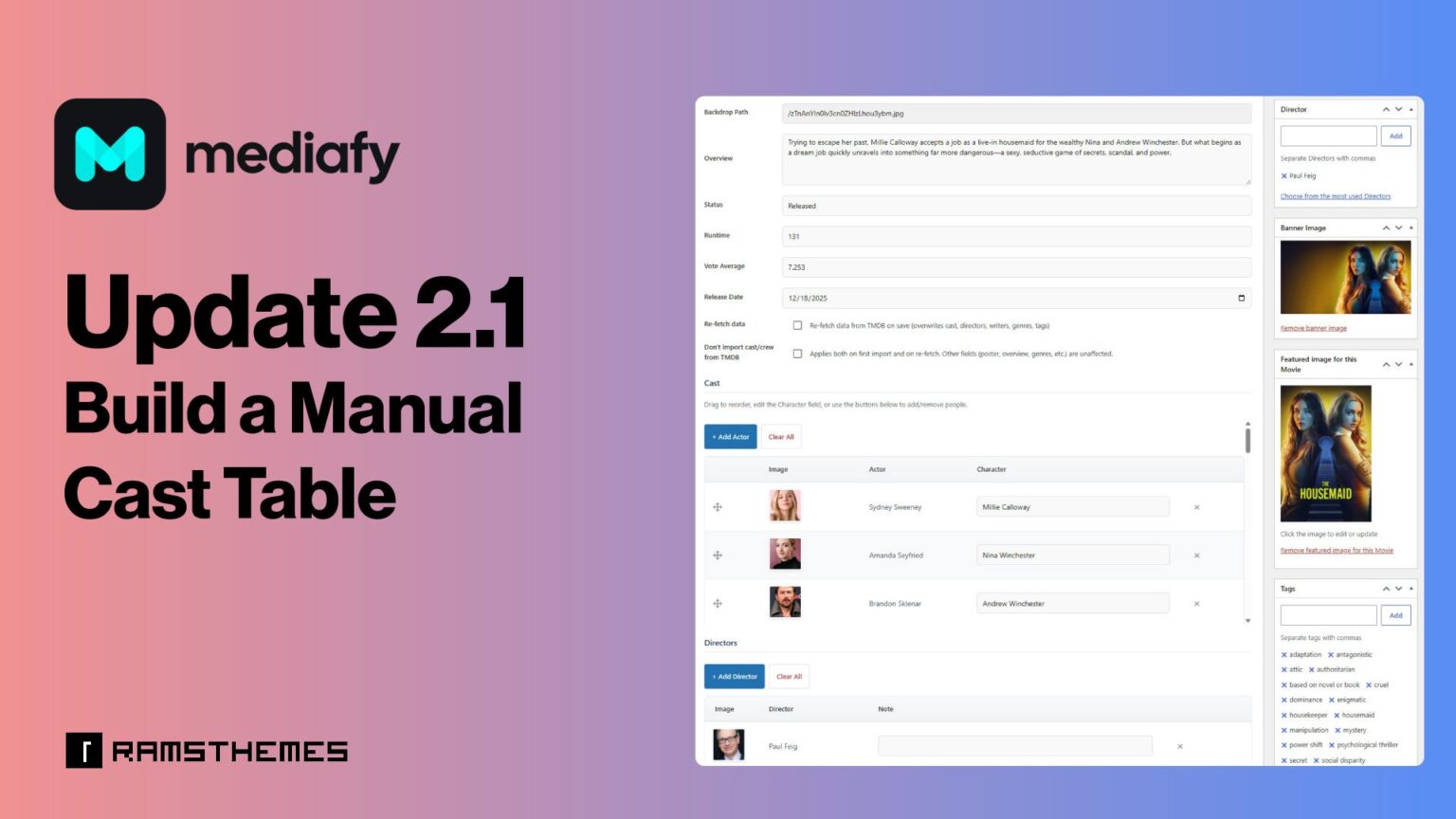
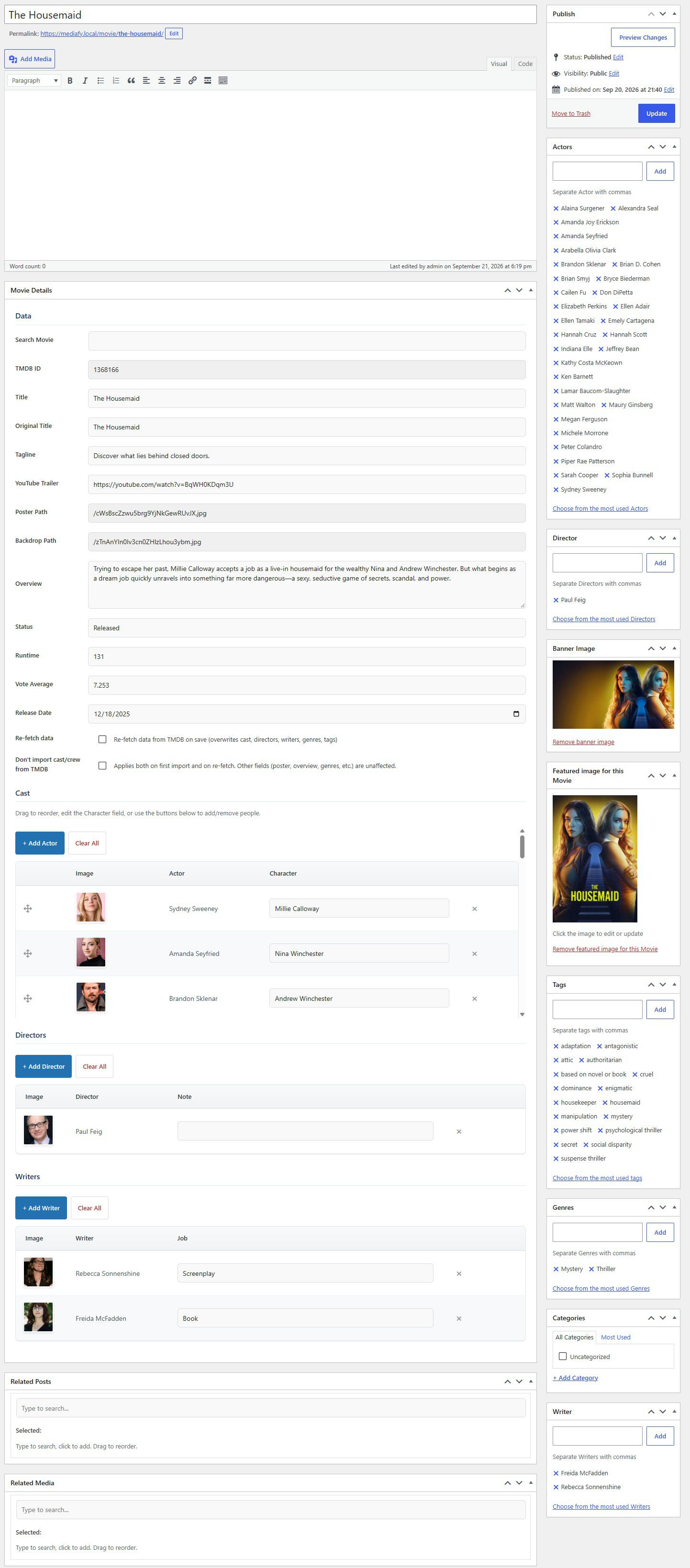
MEDIAFY 2.1 Update introduces a manual cast table builder. You can now assemble the cast and crew of any movie or series by hand, without depending on a TMDB import. Add actors, directors and writers by searching the people already in your database, or create a new person on the spot from a modal window. You can also remove selected rows from the table in one action.
If you run a movie or TV catalog on WordPress, this update gives you full editorial control over who appears on each title.
Why a Manual Cast Table Matters
TMDB is a great starting point for a film database, but no external source is perfect. Some titles have incomplete credits, and independent productions, short films, regional cinema and older obscure releases are often missing people altogether. Sometimes you simply want to correct or complete a credit list yourself.
Before 2.1, Mediafy relied on TMDB data to populate cast and crew. The manual cast table closes that gap: you decide who belongs on a title, and you can build the list from scratch.
What’s New in Mediafy 2.1
Search Existing People
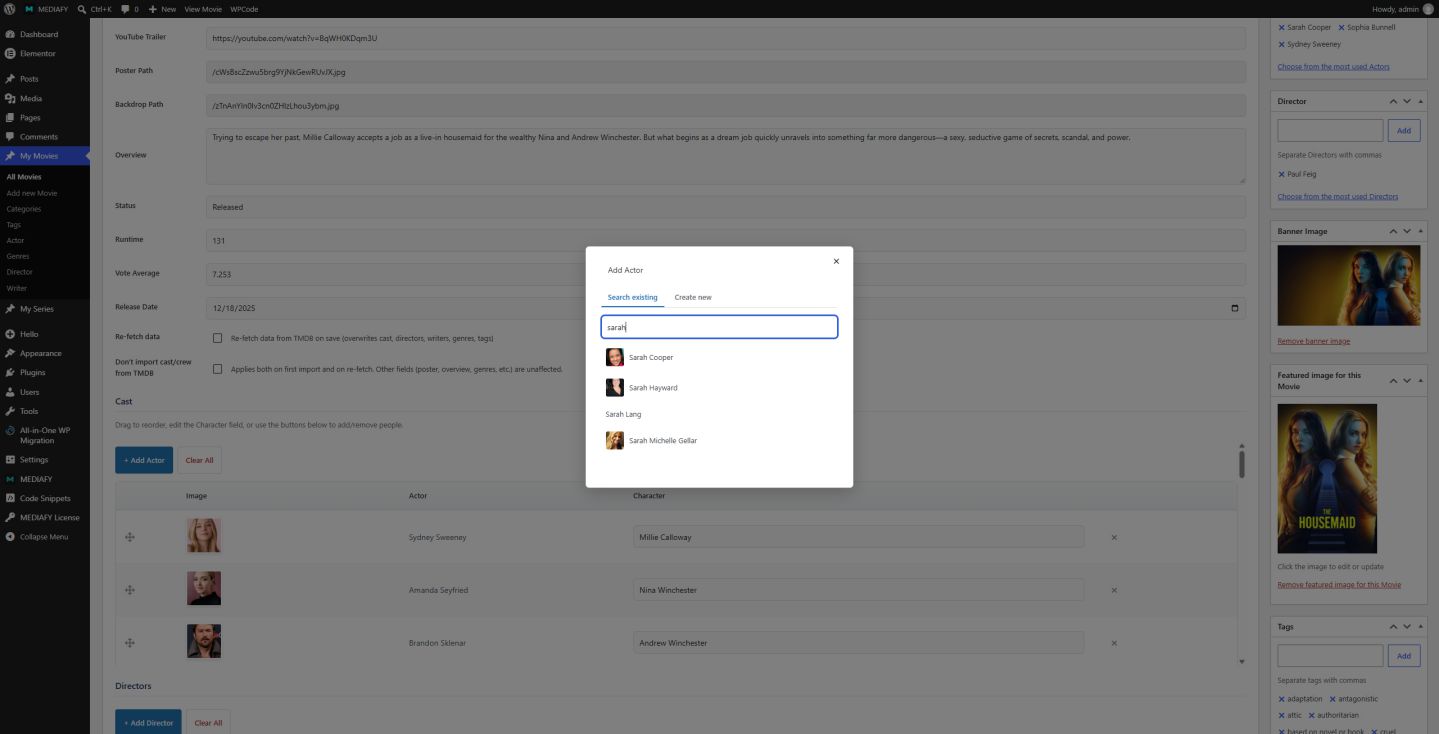
Click on Add (Actor, Director, Writer). Type a name and pick from the actors, directors and writers already stored in your site. This avoids duplicate entries and keeps every person linked to a single profile across all the titles they appear in.
Create New People in a Modal Window
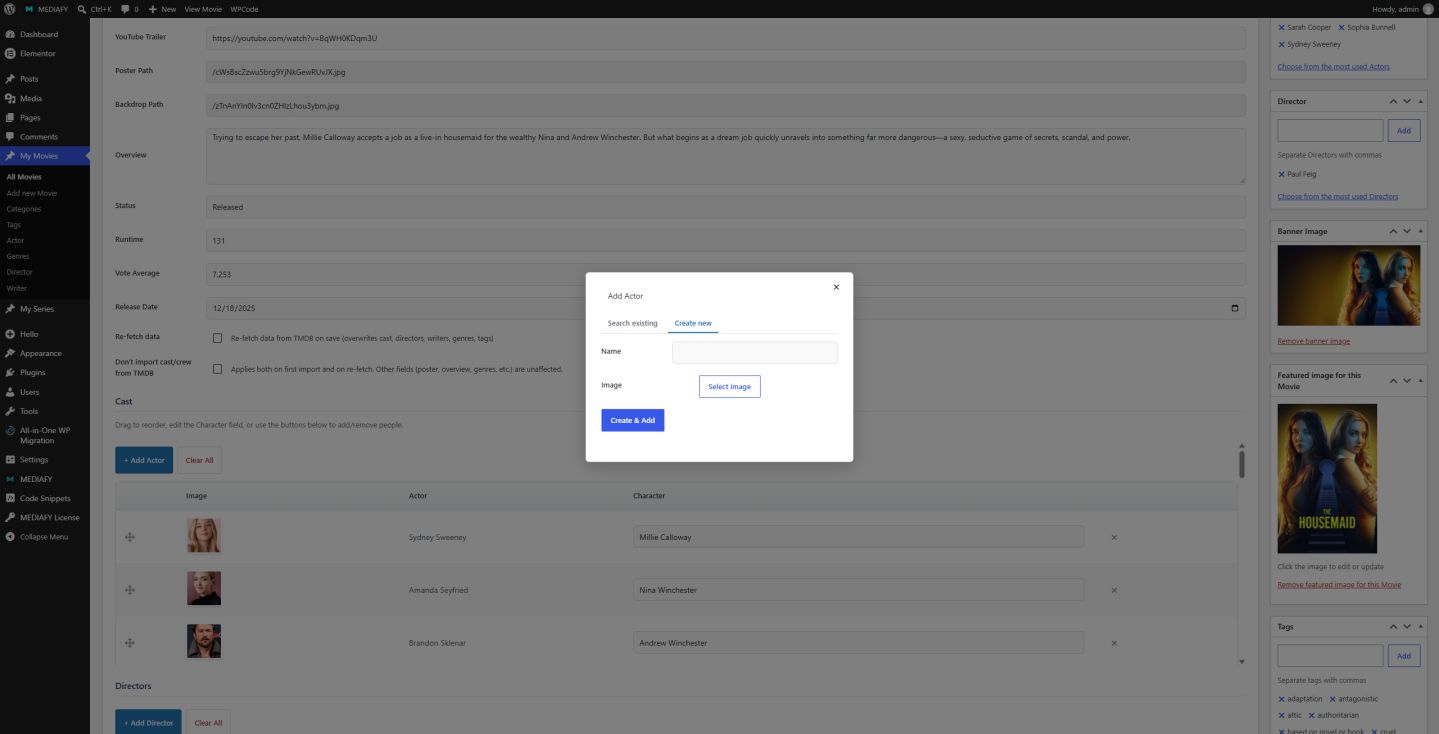
If the person you need doesn’t exist yet, you can create them manually without leaving the editing screen. The modal window opens on top of the cast table, go to “Create new” and you can add the new person with name and thumbnail image.
Delete Selected Rows
Made a mistake, or need to clean up a credit list? Go to the row you want to remove and delete from the table in one step clicking on the “X” icon.
After saving using any option, the table represents on frontend automatically and the taxonomy term will be added to the respective metabox.
New Check: Don’t import cast/crew from TMDB
Applies both on first import and on re-fetch. Other fields (poster, overview, genres, etc.) are unaffected.
Final Thoughts
Mediafy 2.1 makes the cast table fully editable by hand. Combined with the plugin’s existing movie and series catalog features, you can keep your database accurate, complete and consistent, whether the data comes from TMDB or from your own research.