MEDIAFY — Turn Your WordPress Site into a Movie & TV Database with TMDB
Transform the way you manage movies and series on WordPress with Mediafy WordPress Movie Series Data Plugin, the ultimate WordPress plugin tailored for effortless media organization. Whether you’re running a review site, entertainment blog, or building a vast media library, Mediafy WordPress Plugin provides all the essential tools to streamline your workflow with seamless TMDB API integration and intelligent categorization and acts as the Letterboxd alternative for WordPress. This product follows the same concept already used in the INGMAR Theme.
Effortless Data Import & Multilingual Support
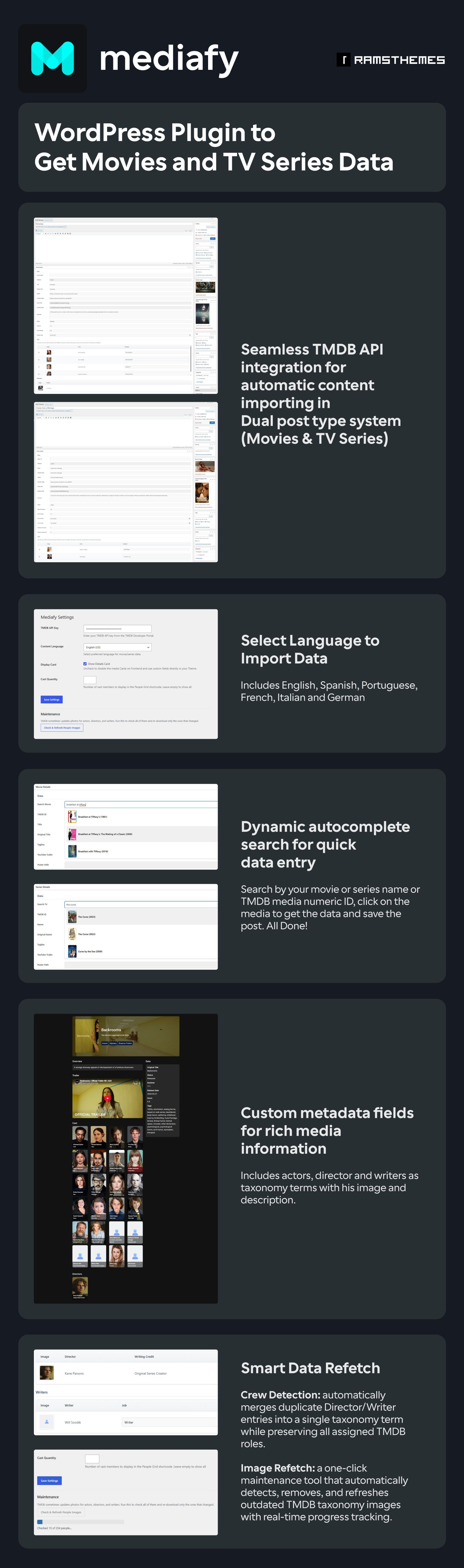
Stop wasting time entering movie and series data manually. Mediafy connects directly to the TMDB API, allowing you to import complete information in seconds and save hours managing your site. With just a few clicks, you can populate titles, overviews, images, metadata, and more without the repetitive work. No coding knowledge is required.
In addition, Mediafy supports multi-language content importing, including English, Spanish, Portuguese, French, Italian, and German. As a result, you can build a rich and detailed movie or TV database while publishing content in the language that best fits your audience.
We keep our integrations up to date. If the TMDB API changes its documentation, we’ll update the plugin at no extra cost.
Powerful Dual Post Type System
Mediafy introduces dedicated post types for both Movies and Series, making it easier than ever to organize content efficiently. Whether you’re handling blockbuster films or binge-worthy TV shows, the plugin optimizes your database with structured layouts, enhancing discoverability and user engagement.
Advanced Taxonomy Organization for Comprehensive Categorization
Categorization matters, and Mediafy has you covered with advanced taxonomy systems that allow seamless classification of Actors, Directors (with his pictures and biographies), and also Genres. This means faster sorting, precise filtering, and improved navigation—perfect for large media collections.
Dynamic Autocomplete Search for Rapid Data Entry
Save time with Mediafy’s search system, offering dynamic autocomplete based on TMDB name or numeric ID. Quickly find and insert relevant content without needing to browse manually—perfect for efficiency-driven workflows.
Custom Metadata Fields for Rich Media Details
Take control over your content’s details with custom metadata fields that enhance movie and series descriptions. Add production details, ratings, release dates, and more to create a well-rounded database that keeps your visitors engaged.
Custom URL Slugs
Customize movie, series and taxonomy slugs, with automatic 301 redirects from old URLs when you change them. More control over your URLs, without breaking existing links.
Actors Table for Enhanced Cast Management
Organizing cast members has never been more flexible! Mediafy includes a drag-and-drop reorderable actors table, allowing users to edit character names effortlessly, ensuring precision when managing film credits. Also deleting rows or manually create the table adding existing cast or creating new ones.
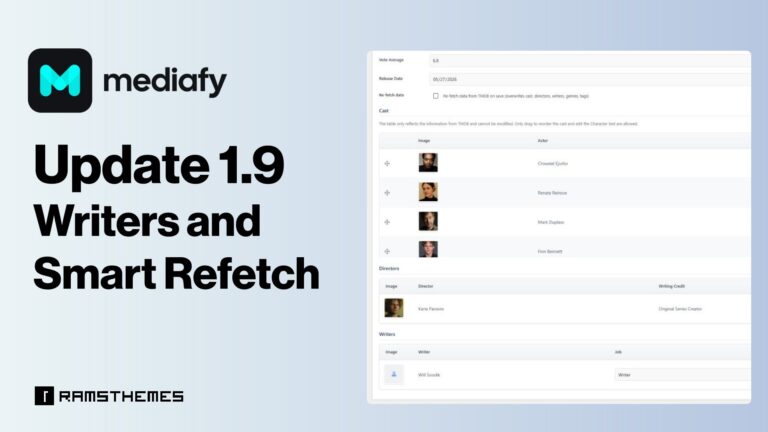
Writers and Smart Refetch
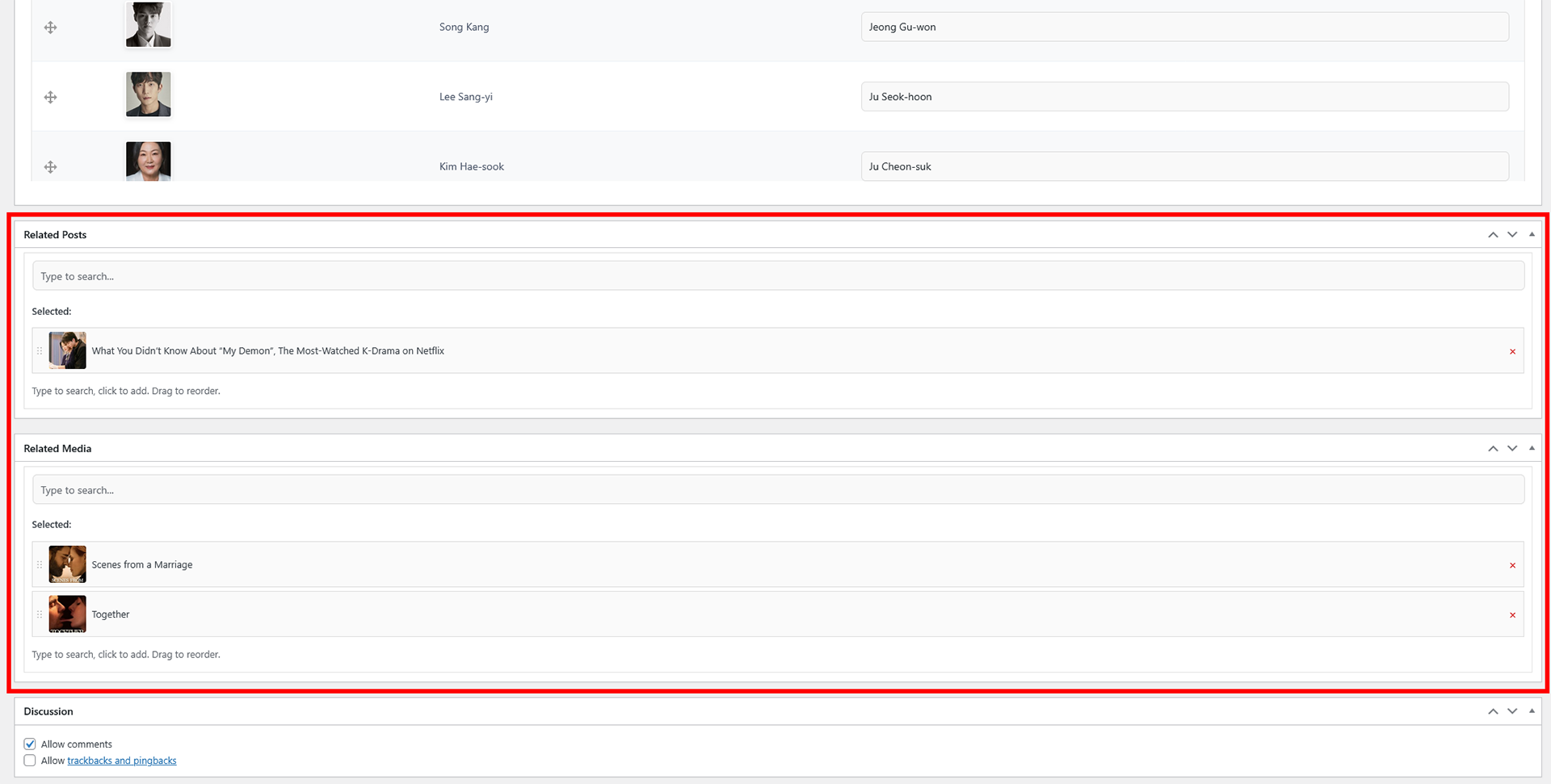
Related Posts and Related Media Fields
Now you can easily link related posts, movies, or series to your existing movies/series post types, creating relationships and a smarter and more dynamic media experience for your visitors.
Shortcodes
Plugin’s capabilities expands by adding a complete set of shortcodes designed to display people, relationships, metadata and trailer directly within any Movie or Series post.
Outer Shortcodes, AJAX internal search and Gutenberg Block
A major update focused on metadata reuse, introducing more shortcodes and internal search tools for fast retrieval of previously saved content.
Why MEDIAFY Plugin is Unique on WordPress Market
| Feature | MEDIAFY (TMDB API) | Manual Entry |
| Data Fetching | Live Search: Start typing and import movie/TV data in 1 click and save post. | Copy-pasting data from external sites. |
| Media Library | Smart Import: posters & backdrops saved to your library. | Manual download/upload or broken external hotlinking. |
| Credit System | Full Cast & Crew: Auto-links Directors, Actors, and Staff as taxonomies, and with his thumbnails and bios. | Plain text lists. No searchable database for actors or directors. |
| Linked Data | Relationships and Shortcodes: link common posts like news to Movie or Series. Reusable saved data with variety of shortcodes or using instant search with AJAX within posts. | Third party solutions or complex. |
| Data Storage | Custom Fields: Clean integration. Reusable metadata. Also works with Elementor & Gutenberg. | Bloated code or proprietary builders that lock you in. |
| Pricing Model | One-time payment: No recurring fees or subscriptions. | Expensive subscriptions or limited versions. |
Unlock the Full Potential of Your WordPress Data Library
Mediafy isn’t just another plugin—it’s the real Movie Database Automation Plugin for WordPress, a game-changer for movie and series enthusiasts looking to create a compelling, well-structured entertainment database. Whether you’re a content curator, site admin, or film lover, Mediafy empowers you to optimize, manage, and present your media effortlessly.
Get started and experience a smarter, more efficient way to organize your entertainment content.
User Reviews
Frequently Ask Questions
A WordPress plugin that connects to the TMDB API so you can import movie and series data — posters, cast, genres, overviews — directly into your site instead of entering it by hand.
Yes. Data is saved as standard WordPress custom fields and taxonomies, so any theme or page builder can use it.
Yes, since v1.9. Saving a post can re-fetch cast, genres, and photos from TMDB.
Yes, but without duplicating — a director who also wrote the film is tagged as a writing credit, not listed twice.
No. Importing and organizing data needs no code. Customizing the frontend display is optional, done with Elementor or your theme.
Yes, plugin uses TMDB API and is an UNOFFICIAL plugin.
To get data you need to get a TMDB API Key from their developer section.
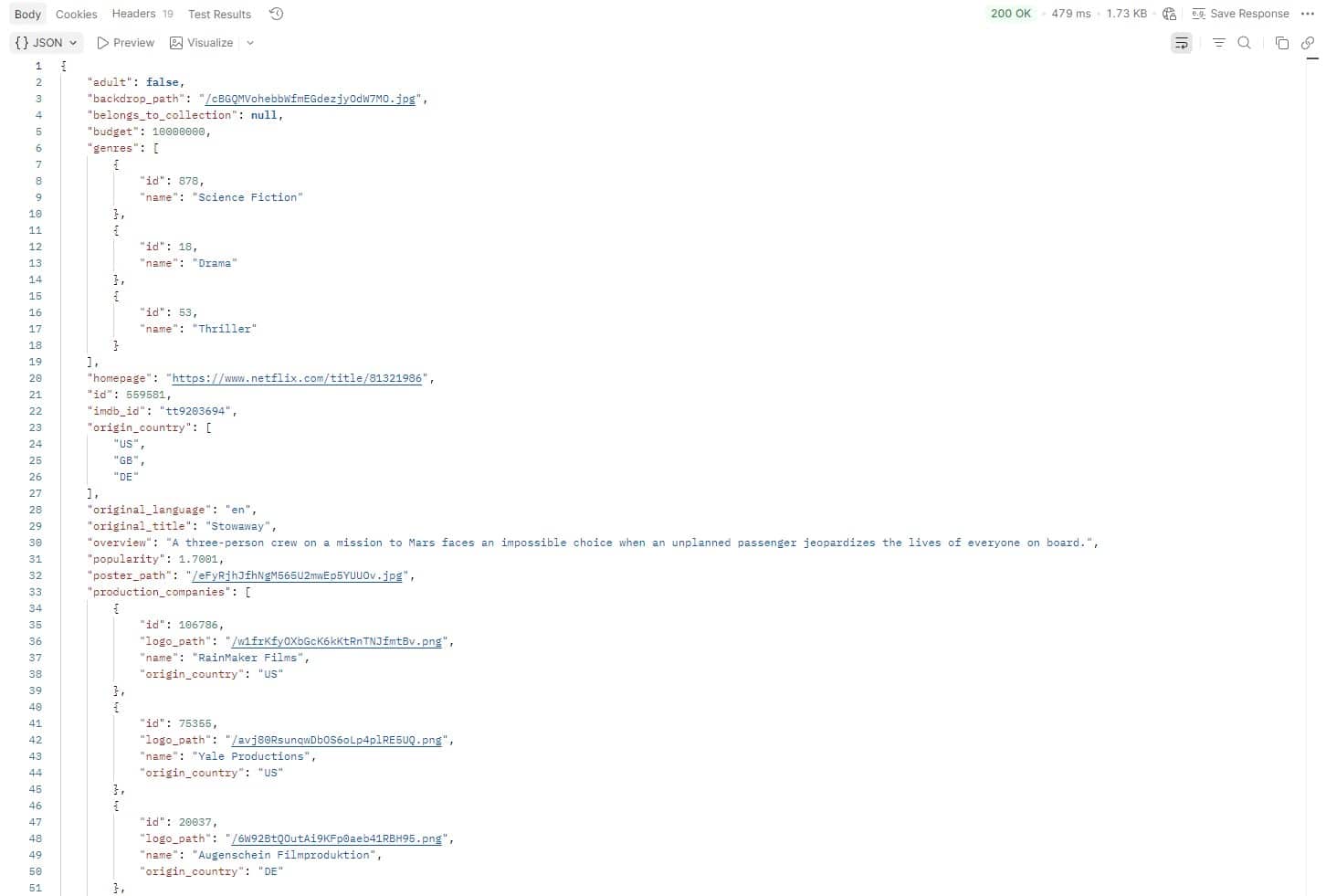
You can also test the endpoints on API using POSTMAN
We’re NOT affiliated with TMDB. We simply created a plugin that we believed was necessary after seeing that no one had done it seriously before.
What you see in the demo is all imported from the TMDB API endpoints used. The plugin includes a predefined output layout (the same as the demo) which can be disabled so you can create your own output (preferably using Elementor in single templates and using the metadata fields; this is how most buyers use it and what it’s designed for in that cases).
Plugin also includes shortcodes for displaying fragments. See the Shortcodes article here 👈
Theme used in Live Demo is a custom Elementor template made by us and used only for showcase purposes. It is NOT included on the package for customers.
Plugin comes with a default output that runs automatically in the single post types templates. The visual result will depend on the theme you are using.
By saving the fields, images and taxonomies in WP, you can then reuse them (metadata) as you wish, creating your own frontend with any builder.
Yes, questions only available via support tickets or email only for verified customers.
* Theme used in Live Demo is a custom Elementor template made by us and used only for showcase purposes. It is NOT included on the package for customers.
Note: MEDIAFY uses TMDB and the TMDB APIs but is not endorsed, certified, or otherwise approved by TMDB. The end user must generate and use their own API Key.
MEDIAFY Related News
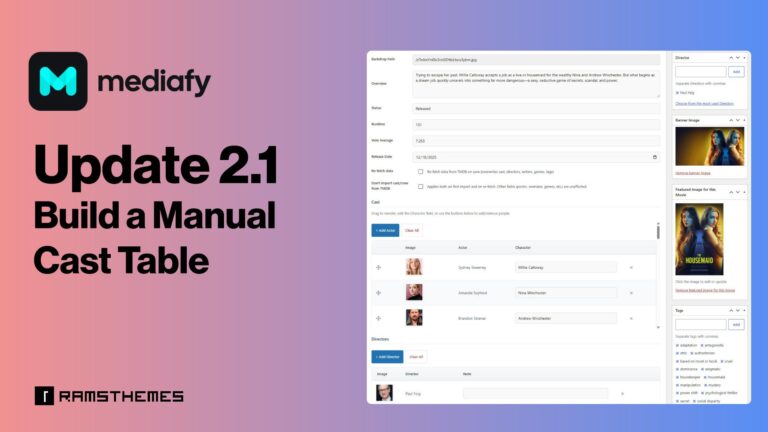
MEDIAFY 2.1 Update: Build a Manual Cast Table for Your Movie and Series Catalog