Creating a massive music archive requires more than just an attractive theme
Most WordPress solutions are designed for artists to display only a portfolio of albums, a table of songs, or only news. But when the goal is to manage more entries—connecting artists, historical dates, record labels, and complex discographies—you need a system designed for metadata, not just for layouts. It requires a real relational database engine.
The problem: Is there a tool that can handle this?
Standard WP themes treat everything as a “post” to fill the content with words or shortcodes. That’s fine for a blog, but useless for a database or complex projects. To build an “IMDb of music” site, you need specific things that only RAMSTHEMES has achieved.
The Solution: MUZAK Theme, the real WordPress Theme for Music Databases
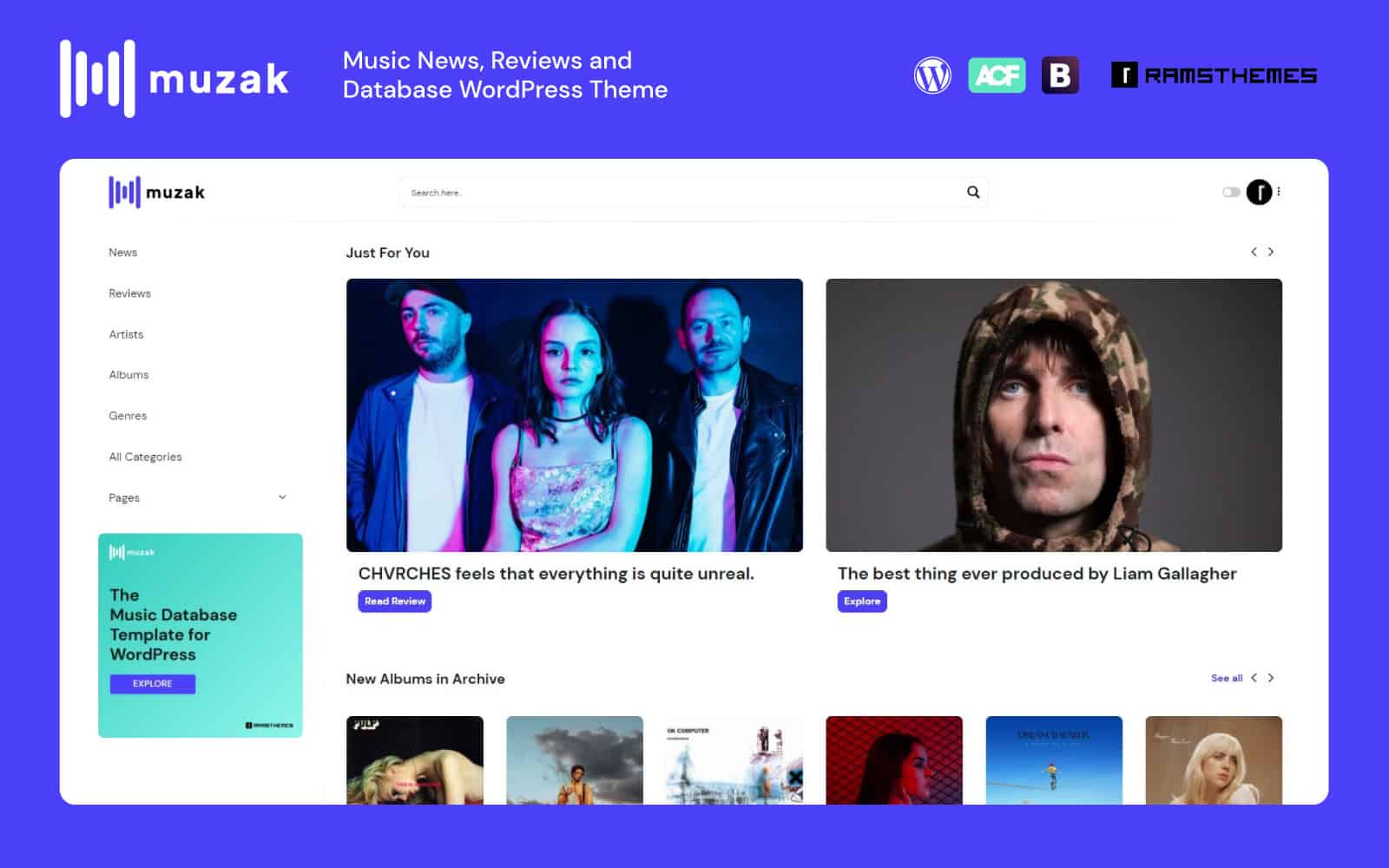
Manually uploading many artist and link to albums to a site is endless. The difference between a generic theme and a music database engine lies in the ability to easily retrieve metadata, saving as much time as possible in your workflow. That’s why we created MUZAK.
The system is focused on a simple structure for data management.
Custom Fields
Data isn’t hidden in a single block of text. Each piece of data has its own field, allowing you to search, filter, and reuse it wherever you want.
Custom Taxonomies
Genres, styles, and record labels that allow for the cataloged connection between artists and albums.
Post Types
Automated import via APIs. Muzak lets you map technical data directly to your WordPress database.
We use 3 Post Types:
Artists (Discogs API):
- Real Name
- Artist ID
- Gallery
- Bio (Profile text)
- Country
- Members (if a band, each member with their status)
- External Sites
- Genres
- Styles
Demonstration:
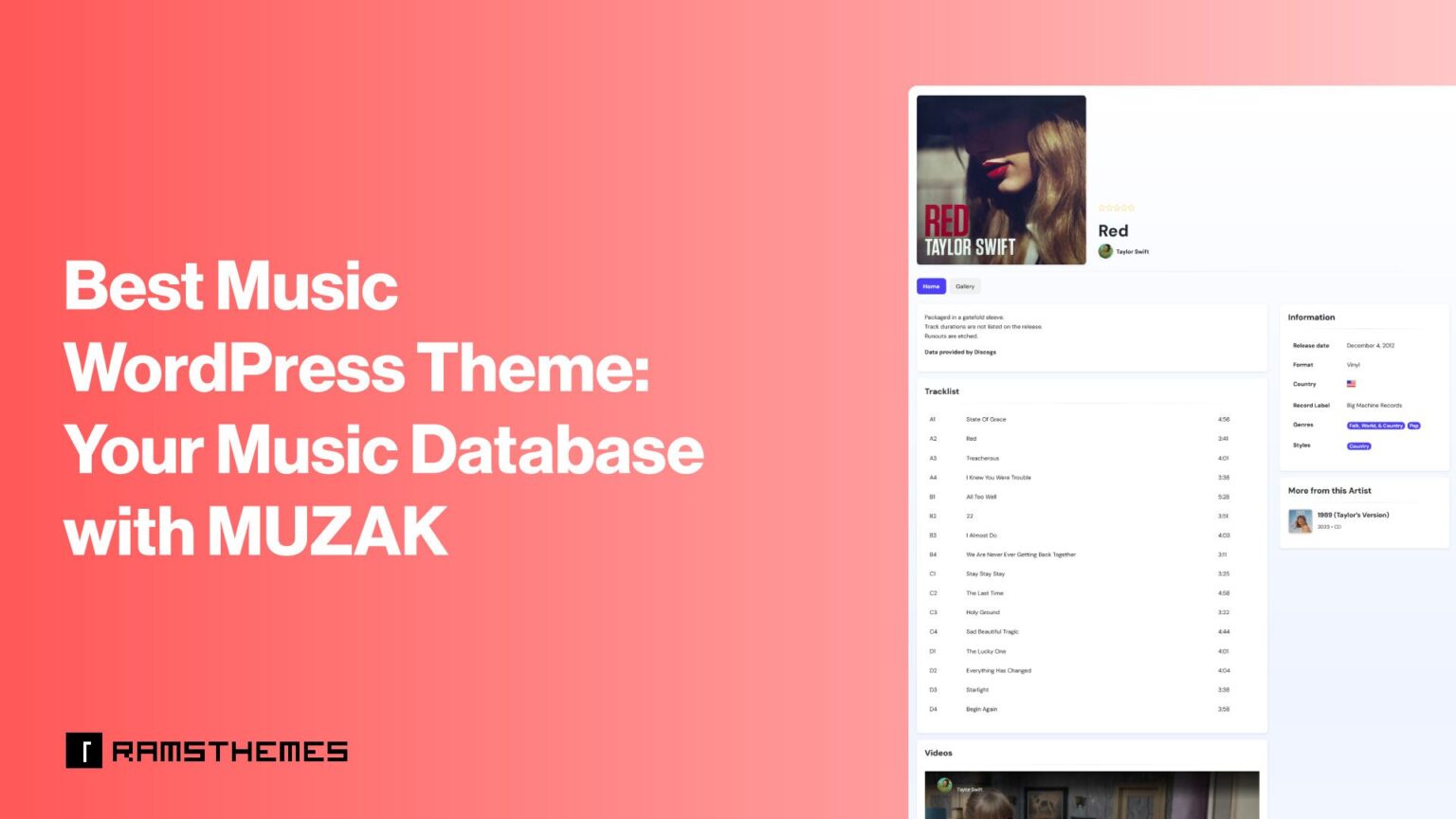
Albums (Discogs API):
- Album ID
- Gallery
- Notes
- Tracklist
- Discogs URL
- Artist (connected cross-post)
- Release Date
- Year
- Country
- Release Format
- Album is added to the “discography” field as bidirectional
- Genres
- Styles
- Record Labels
Demonstration:
As you see, simply search for your artist or album, click on the result, the system will automatically insert the correct ID, and when you save the post type, the data will be imported, filling in all the fields and taxonomies.
Songs (Genius API):
We use the Genius API to search for any song lyrics and insert them into your site with their respective fields and attributions.
- Lyrics Embed
- Lyrics URL
- Writers
- Producers
- Recorded At
- Released On
- Copyright
Demonstration:
The system is the same; once the lyrics are imported, you only need to connect them to the artist or album.
With these three tools within the MUZAK system, you can easily create your music database, going beyond a simple “music template.”
Want to know how to connect the APIs?
Discogs API: Read Here 👈
Genius API: Read Here 👈
Music Database Engine vs. Music Portfolio Themes
| Feature | MUZAK | Generic Music Theme |
| Core Concept | Relational Metadata Engine | Visual Portfolio / Artist Site |
| Data Entry | Few clicks, Fast. Automated API Import (Discogs & Genius) | Manual (Slow) |
| Data Structure | Relational CPT (Artists ↔ Albums ↔ Lyrics) | Simple Posts / Bloated Page Builders |
| Technical Fields | Custom Searchable and Reusable Fields | Basic Text Blocks |
Conclusion
Creating a professional music directory in WordPress shouldn’t be a manual copy-and-paste nightmare, nor an impossible experiment with bloated templates. MUZAK transforms the CMS into a high-performance database, giving you the architecture you need to scale from a small file to your own global “IMDb of music” or expand a university technical final project. Stop struggling with templates that only offer “appearance” and start building with a system designed for the future of music metadata.