How to Sell CD Keys on WooCommerce with Automatic Delivery
If you sell CD keys, software licenses, or any one-time-use digital code through WooCommerce, the biggest bottleneck usually isn’t your store — it’s getting the key into the customer’s hands the moment they pay, without doing it by hand every single time.
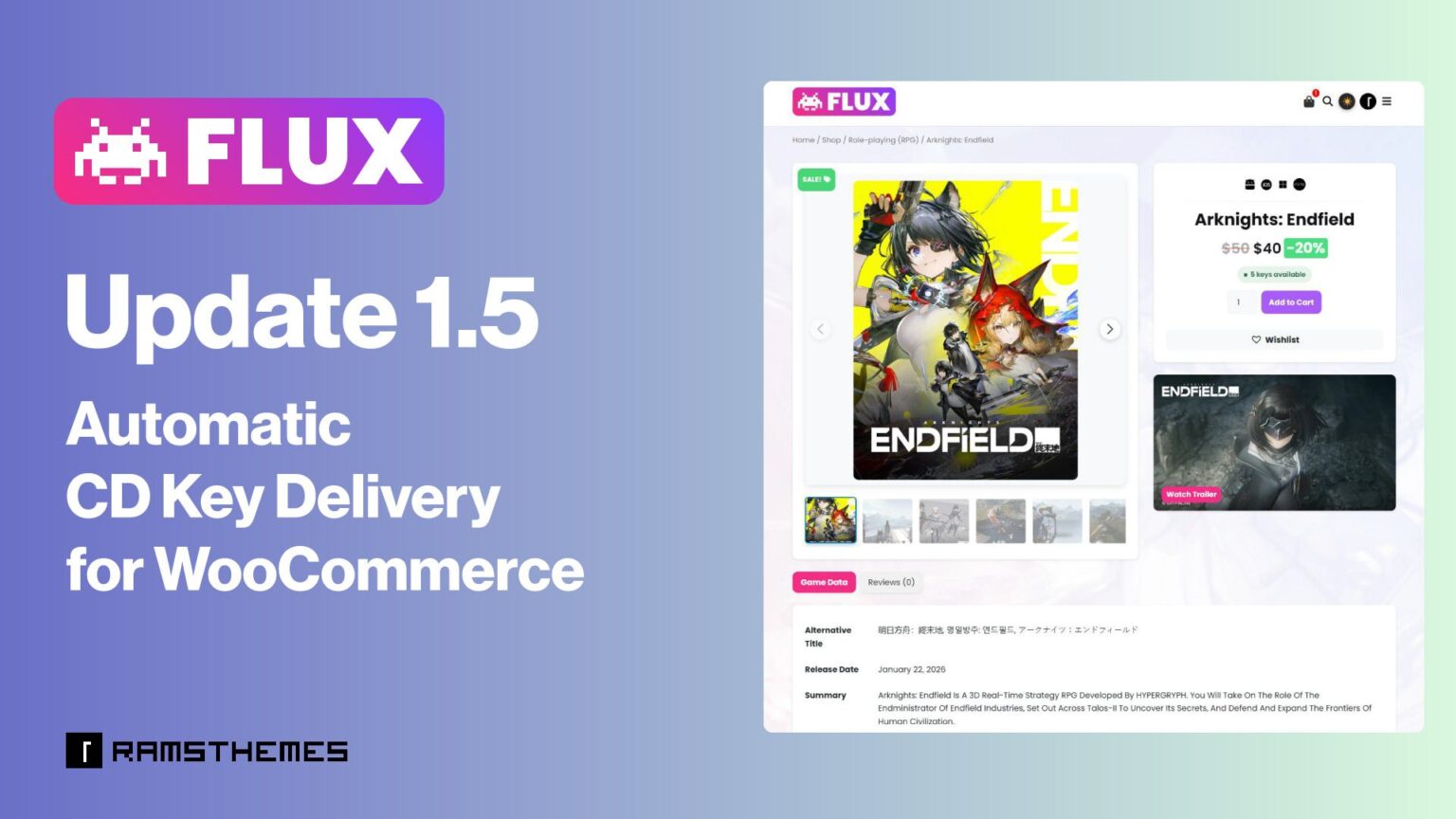
FLUX 1.5 now solves this natively. The theme includes a self-managed key stock system: you load the keys you already own, and FLUX handles delivery, email notifications, and stock tracking automatically.
The New Self-Managed Stock Function
You buy your key stock manually, the same way you always would — from whichever supplier you use (Kinguin, G2A, Gamivo, etc). Once those keys are loaded into the product, FLUX handles one specific thing: when a customer buys, it assigns one key to that order and emails it to them automatically.
What happens automatically
- Stock loading. Paste keys directly (one per line) or import a CSV from your supplier — either way ends up in the same validated stock table.
- Real-time stock sync. WooCommerce’s native stock quantity updates automatically as keys are added or sold, so “in stock” always reflects what’s actually available — no manual toggling required.
- Instant delivery on payment. The moment payment is confirmed — regardless of which payment gateway is used — a key is atomically assigned to that order. Two customers buying the last key at the same second can never receive the same code.
- Branded email delivery. The customer gets their key by email using the same header, footer, and color scheme already configured in WooCommerce’s own email settings — not a plain, unbranded message.
- Low-stock alerts. When a product’s key count drops below a set threshold, the store owner gets notified automatically, with a direct link to restock — before a sale fails because inventory silently ran out.
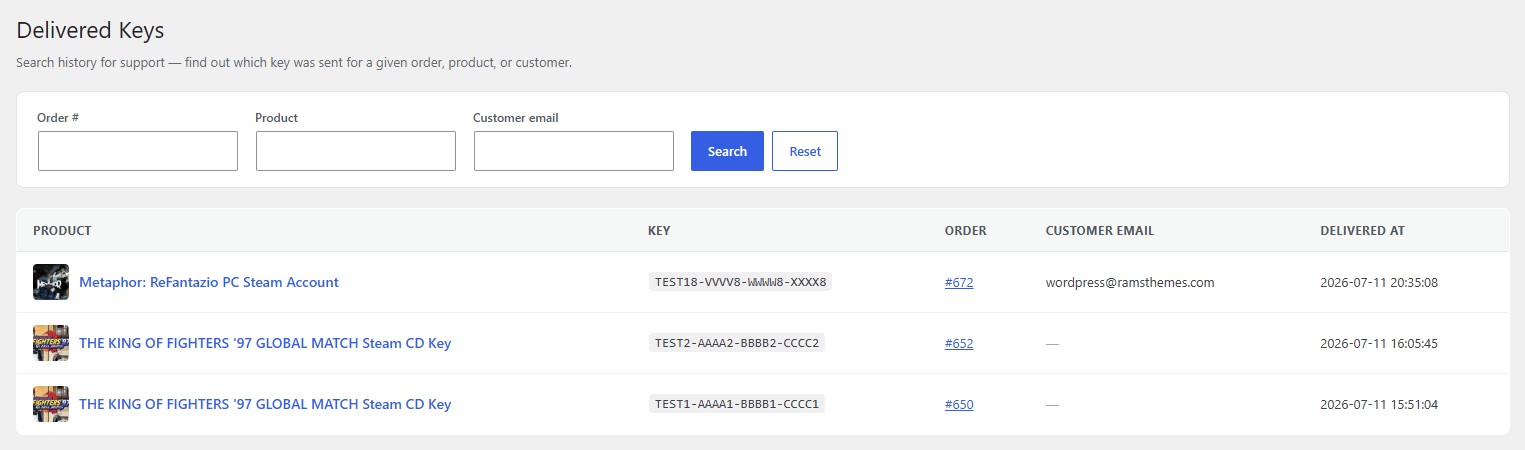
- Delivery history for support. Every delivered key is logged and searchable by order number, product, or customer email — so “I never received my key” support tickets take seconds to resolve instead of digging through order notes.
- CSV export. Pull a full record of keys (available, used, or both) per product for your own accounting or supplier reconciliation.
How to Set Up Automatic Key Delivery in FLUX
After update theme to new version 1.5, getting a product ready for automatic delivery takes a few minutes, with no external accounts or approvals involved:
- Open the product in WordPress admin and go to the “Key stock” tab inside the Product Data panel — it sits alongside the usual General, Inventory, and Shipping tabs.
- Add your keys. Paste them one per line into the text box, or upload a CSV file if you’re loading a larger batch from a supplier. Either method feeds the same stock table.
- Save. The moment keys are added, FLUX automatically enables WooCommerce’s stock tracking for that product and sets the quantity to match — no need to manually toggle “Track stock quantity” yourself.
- That’s it — the product is live. When a customer buys it, FLUX intercepts the payment-confirmation event, pulls one unused key, marks it as delivered, and emails it to the customer using your store’s existing WooCommerce email design.
Load the stock once, and every sale after that delivers itself.
And you can do more:
Keep an eye on stock (optional)
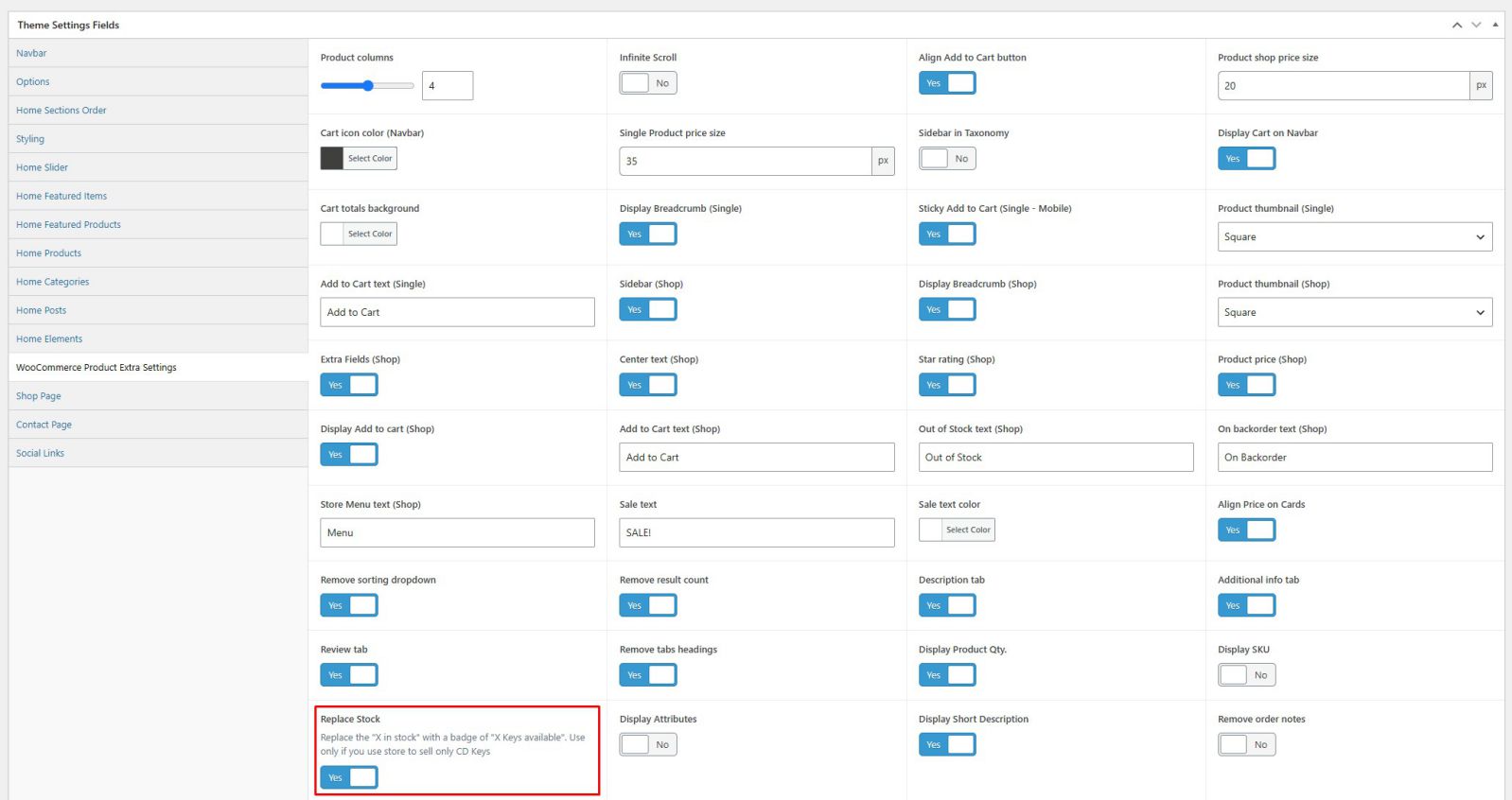
If you want a visible indicator on the product page itself, enable the new “Replace Stock” option in Theme Settings
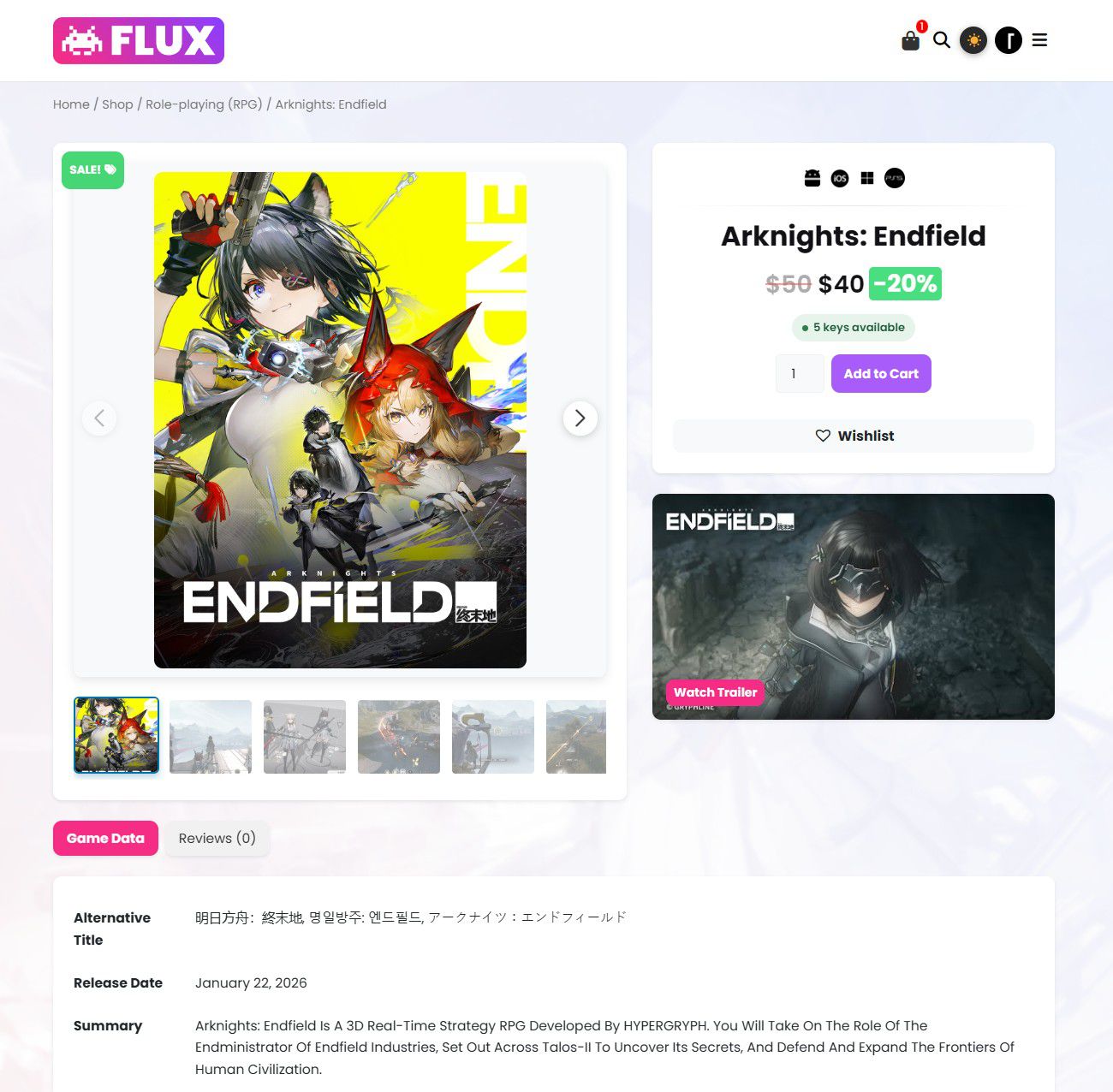
It shows “X keys available,” “Only X left!”, or “Out of stock” depending on real inventory, styled with color-coded badges.
Check delivery history anytime
Under WooCommerce → Delivered Keys, you can search by order number, product, or customer email to see exactly which key was sent to whom — handy for support requests.
Who This Is For
This is built specifically for sellers of static, single-use digital codes — Steam keys, software activation codes, gift cards, one-time license keys. It is deliberately not a software-licensing platform with activation limits, expiration windows, or renewal billing (that’s a different problem, aimed at SaaS-style licensing, not key resale).
If your product is “one code, used once, done” — this is the exact shape of the tool for it.
Frequently Asked Questions
No — you’ll still buy your keys from those marketplaces (or any other supplier) the same way you always have. What doesn’t exist, for any seller regardless of size, is a “connect your store and it buys everything automatically” API — that layer is gated behind business verification by design, as an anti-fraud measure that applies industry-wide, not a shortcoming specific to any one supplier. This feature replaces the manual step after you’ve bought the keys: instead of you emailing them out one by one, your own store delivers them automatically once they’re loaded in.
The product automatically shows as out of stock in WooCommerce the moment the last key is sold, and the store owner receives an email alert. No orders can be placed for a product with zero keys available.
No. Key assignment uses an atomic database operation, so even simultaneous purchases of the last unit are guaranteed to receive different keys.
Yes. Delivery triggers on WooCommerce’s payment-confirmation event, which fires consistently across gateways (Stripe, PayPal, manual bank transfer, etc.), not on a specific plugin’s checkout flow.
Yes, via CSV upload — useful when a supplier delivers a batch of hundreds of keys at once.