🛠️ How to Enable ACF Pro Menu in WordPress
If you’re trying to use Advanced Custom Fields Pro (ACF Pro) custom features in our themes and can’t find the settings menu in your WordPress dashboard, you’re not alone. By default, Themes hides its admin menu depending on your theme or plugin setup. Fortunately, there’s a quick and reliable way to enable the ACF Pro menu in WordPress — no advanced coding required.
✅ Add a Simple PHP Function
To make the ACF Pro menu visible, you need to insert a small function into your site. You can do this in one of two ways:
Option 1: Add to Functions in Your Child Theme
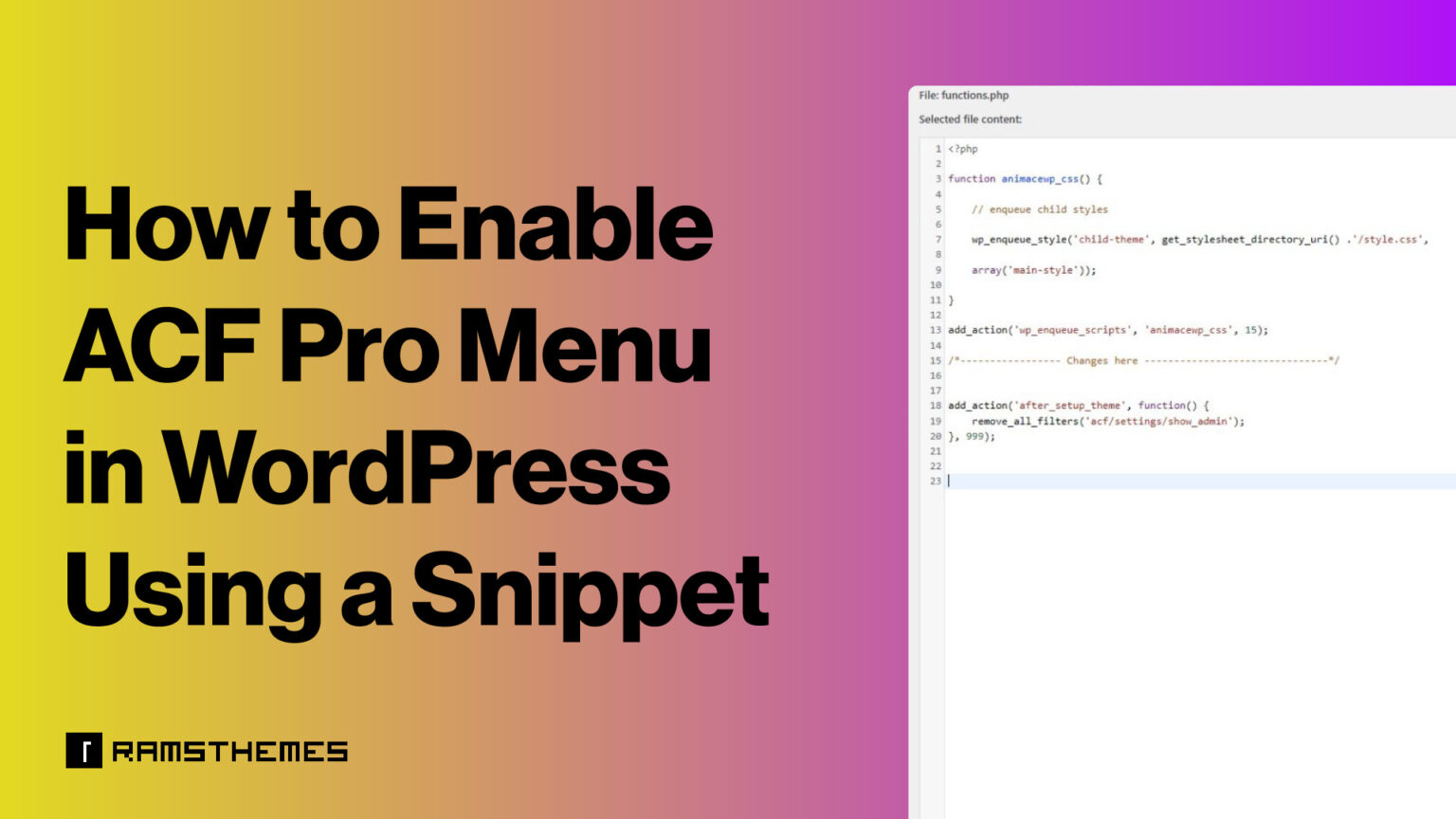
Open your child theme’s functions.php file and paste the following code:
add_action('after_setup_theme', function() {

remove_all_filters('acf/settings/show_admin');

}, 999);
Option 2: Use a Plugin Like Code Snippets
If you prefer not to edit theme files directly, install the Code Snippets plugin and create a new PHP snippet with the same code.
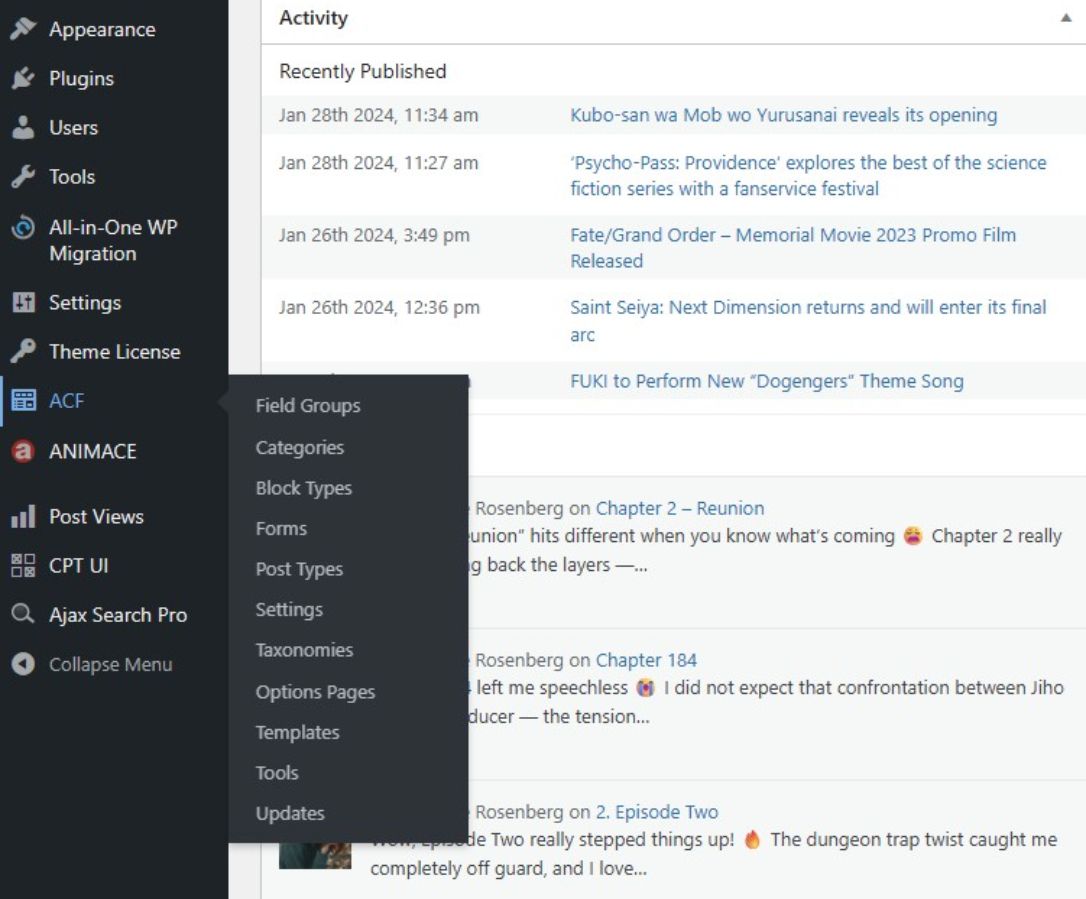
Activate code or save the file, and the ACF Pro menu will appear in your dashboard.

🔍 Why This Works
ACF Pro uses internal filters to control visibility of its admin menu. Not all users know how to use ACF Pro, so access is restricted by default. The snippet above removes those filters after the theme setup, ensuring the menu is displayed regardless of other settings or plugin conflicts.
🧩 When to Use This
- You’ve installed ACF Pro but don’t see the menu in the WordPress admin
- You’re working with a theme that suppresses ACF settings
- You need access to ACF field groups, options pages, or global settings
⚙️ Bonus Tip
Always use a child theme or a safe code plugin to avoid losing changes during theme updates. This method is lightweight, safe, and doesn’t interfere with ACF’s core functionality.
With this quick tip, you’ll unlock full access to ACF Pro’s powerful features — from custom fields to advanced layouts — right from your WordPress dashboard.